

Introduction
What advanced_forms is, and how its pieces fit together.
advanced_forms is form validation and state management for Flutter without a framework on top. It gives you typed
field controllers, composable sync and async validation, and form-level state, all built on ChangeNotifier
and ValueListenable from the Flutter SDK. It ships no widgets, generates no code, and does not care which
state-management package the rest of your app uses.
Installation
Add the package. Requirements and the 0.1.x migration.
Your first form
A controller, two fields, a submit — running on the page.
Core concepts
Controllers, state, statuses, and the error type you choose.
Available validation modes
Three rules and one table decide when a field validates.
What you get
- Typed field controllers — text, boolean, single-select and multi-select fields, each with its own value type and its own error type.
- Validators that compose —
filled,notEmpty,notNull,mustBeTrue,atLeastLength,notLongerThan,exactlyand numeric checks, combined with&and|, or anyE? Function(T)you write yourself. - Async validation — debounced server-side checks with a timeout, failure handling and cached answers.
- Cross-field validation — re-run a validator when the fields it depends on change, or derive one field's value from another.
- Validation modes — validate on submit, on every keystroke, or on unfocus. Set once, applied to the whole form.
- Subforms — attach and detach nested form controllers; their fields join the parent's validate, reset, read-only and error handling.
- Form-level state —
canSubmit,wasModified,validatingandvalidationErrors, ready to bind to a submit button. - Read-only fields and server-side errors — freeze a value, or push an error in from an API response.
- Granular rebuilds — one builder per field, so a keystroke rebuilds one subtree and nothing else.
The model in one picture
A form controller owns field controllers. Each field holds one typed value, runs its validators, and notifies
its listeners. The form aggregates: it broadcasts validate, reset and markReadOnly to every field and every
attached subform, and derives canSubmit, validating and validationErrors from them on every read.
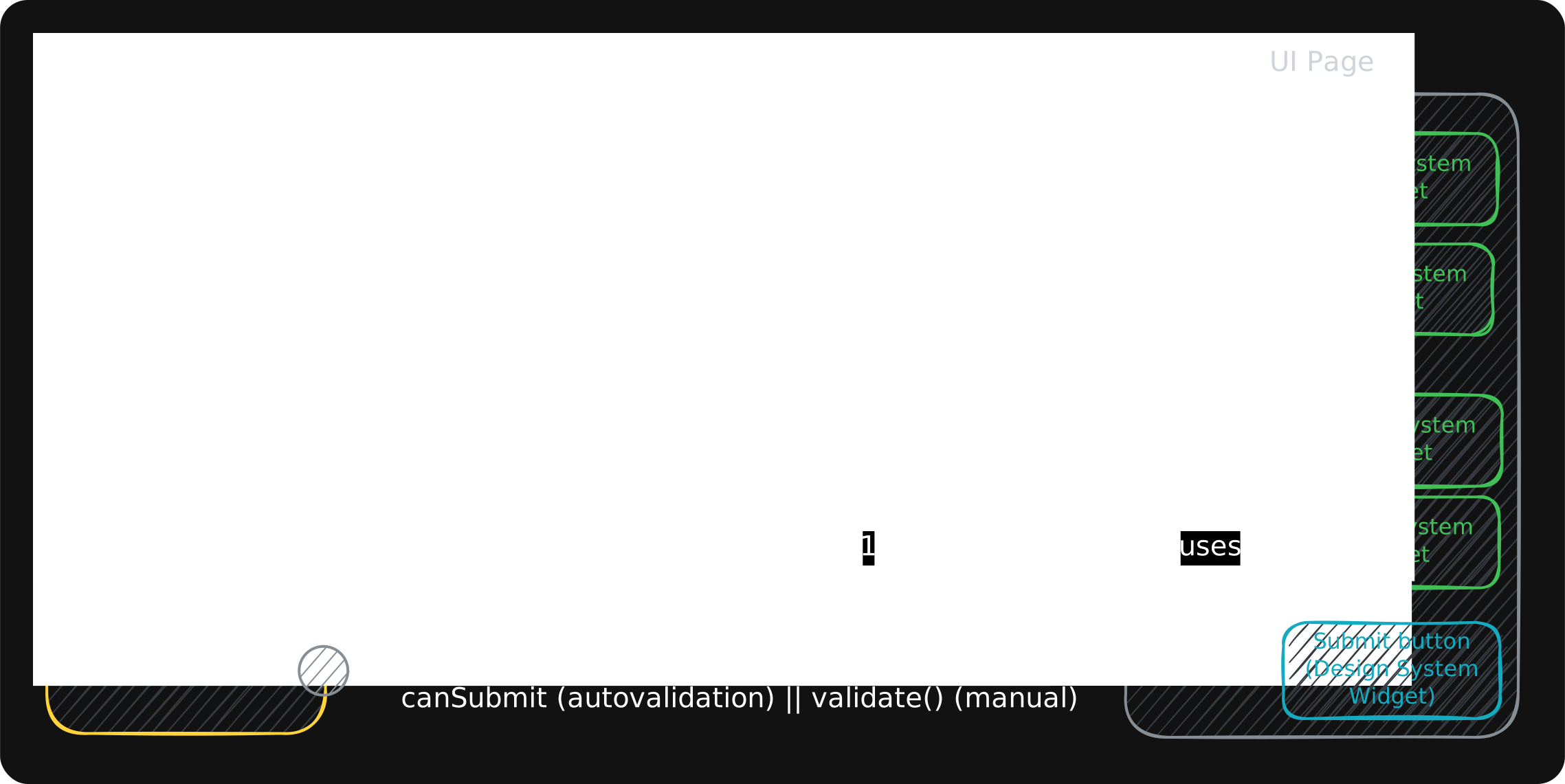
On the widget side, AdvancedFieldBuilder subscribes one subtree to one field. That is the whole binding story: no
onChanged, no initialValue, no controller allocation in initState.
Why the package makes the choices it makes — no widgets, no Form, no codegen — is on
Design decisions.
Using an agent that supports Agent Skills?
The package ships an Agent Skill that teaches your agent the full API, so it generates fields,
validation, cross-field logic and subforms idiomatically. dart run skills@ get installs it.
advanced_forms is maintained by LeanCode
and used in production apps with millions of users. The example app is a gallery where every
pattern in these docs has a working screen.